Download
Download for Linux (x86-64)
Version 1.0.0 · 1.9 MB · free
Check the download
SHA-256:
d217a8960d36b4c4d37899d8b265975d83f36bd09b9103713312e2935167140e
Or save the checksum file in the same folder and run:
sha256sum -c kami-chess-1.0.0-linux-x86_64.tar.gz.sha256It prints kami-chess-1.0.0-linux-x86_64.tar.gz: OK.
Start
In the folder you saved it in:
tar -xzf kami-chess-1.0.0-linux-x86_64.tar.gz
./kami-chess-1.0.0/kami-chess
Nothing is installed; delete the folder to remove it. Keep the folder together: the game finds its board and pieces beside it. To play against the computer, with you as white:
./kami-chess-1.0.0/kami-chess --opponent blackREADME.txt in the folder lists every option.
Requirements
- 64-bit Linux on x86-64 with glibc 2.38 or newer (for example Ubuntu 24.04, Debian 13, Fedora 39 or later).
- A desktop session, X11 or Wayland.
- OpenGL 3.3 graphics with libOpenGL.so.0 and libEGL.so.1, which current graphics drivers install (on Debian and Ubuntu the packages libopengl0 and libegl1).
What you get
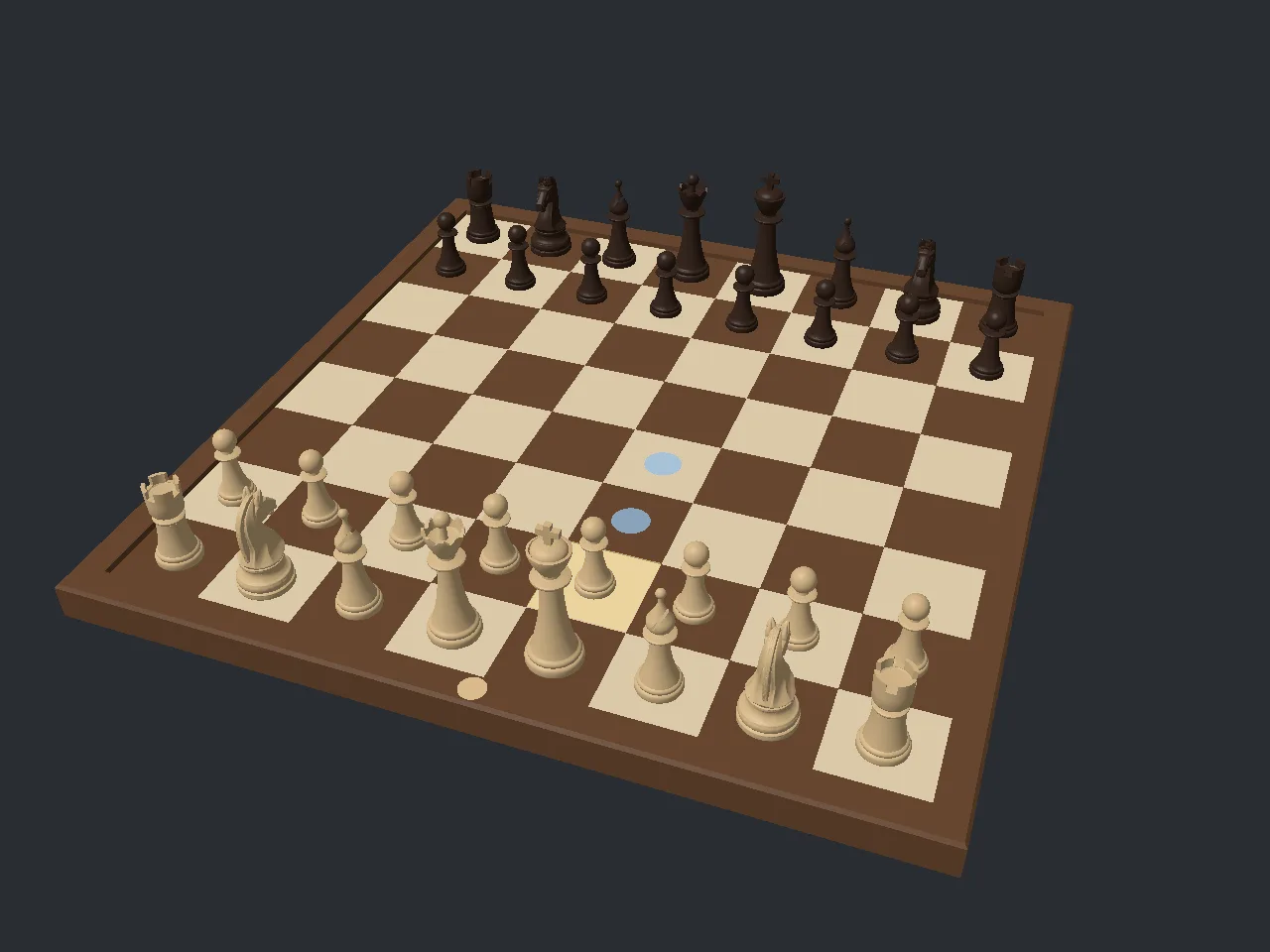
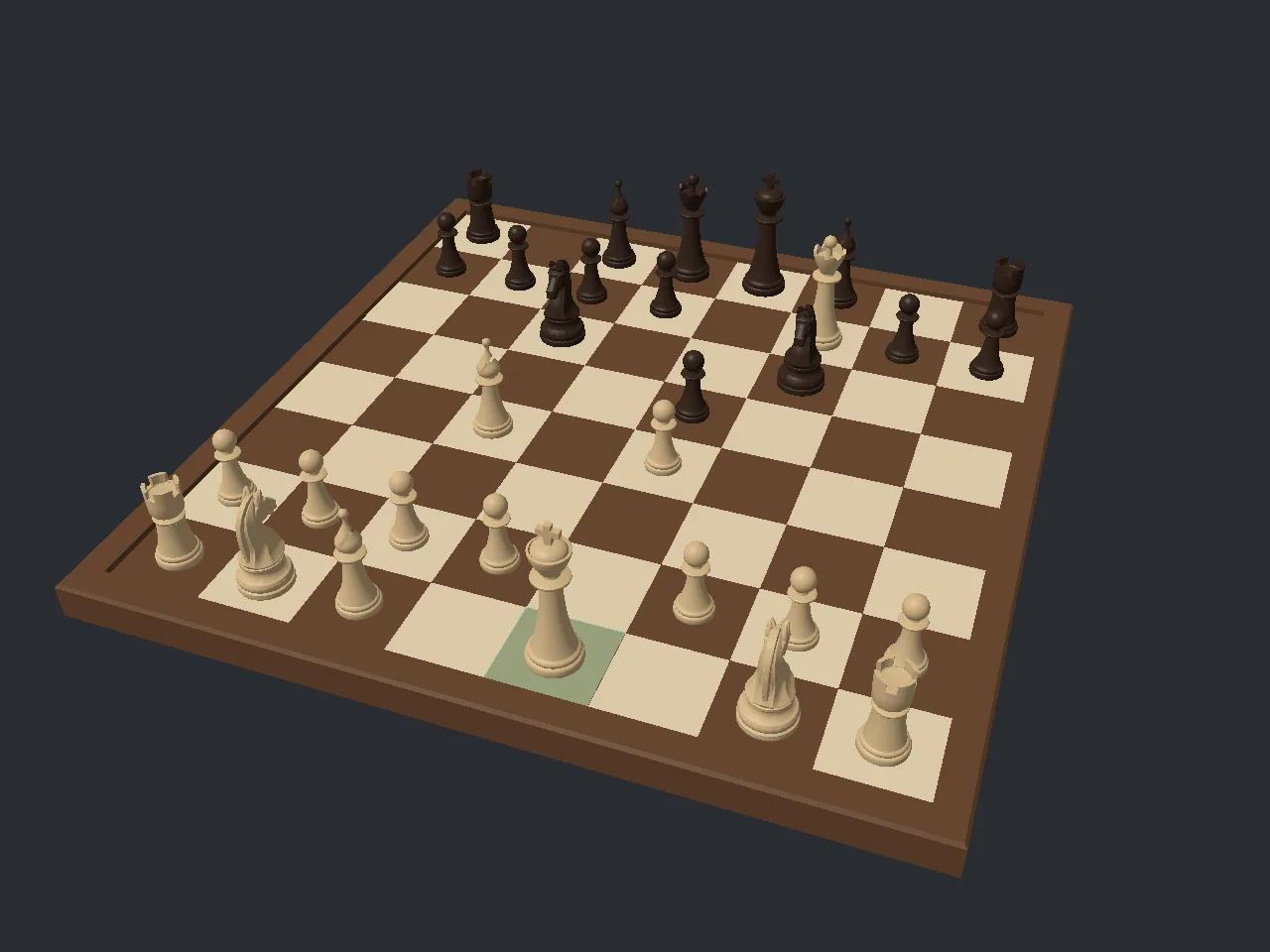
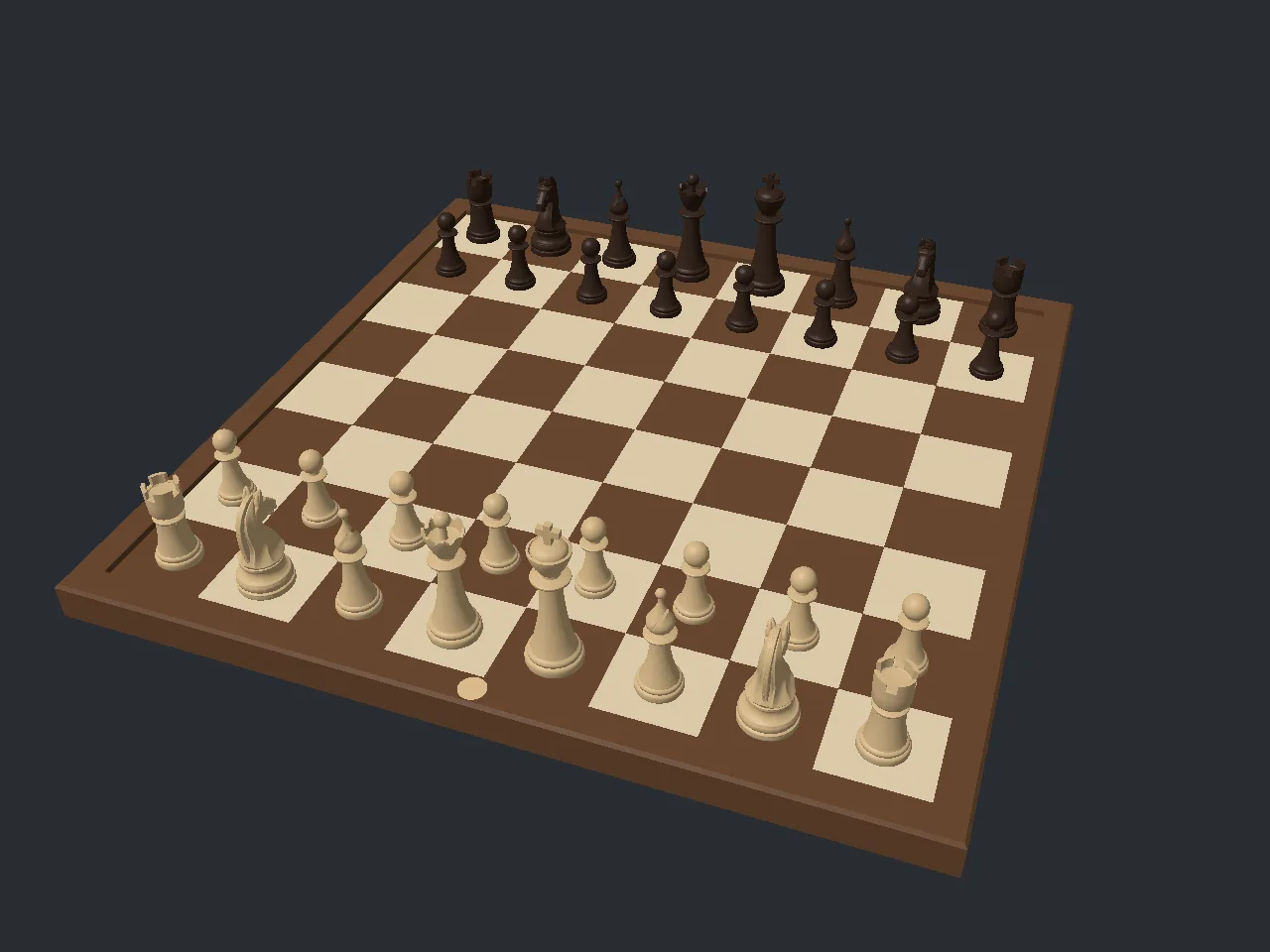
- Two players at one computer: take turns with the mouse.
- One player against the computer, as white or as black. You choose how many half-moves ahead it looks and how long it may think before it plays.
- Undo: take back a move. Against the computer it takes back its reply and your move.
- A board you can walk around: turn the camera by dragging, zoom with the mouse wheel, flip to the other player's side and reset the view.
- Promotion: a pawn reaching the last rank opens a choice of four pieces on the board.
Controls
| Input | Does |
|---|---|
| Click a piece, then a highlighted square | Move |
| Drag with the left button | Turn the camera around the board |
| Mouse wheel | Zoom |
f | Turn the camera to the other player's side |
r | Reset the camera |
u | Undo |
Esc | Deselect, or close the promotion choice |
q r b n | Choose the promotion piece while the choice is open |
Ctrl+Q | Quit |
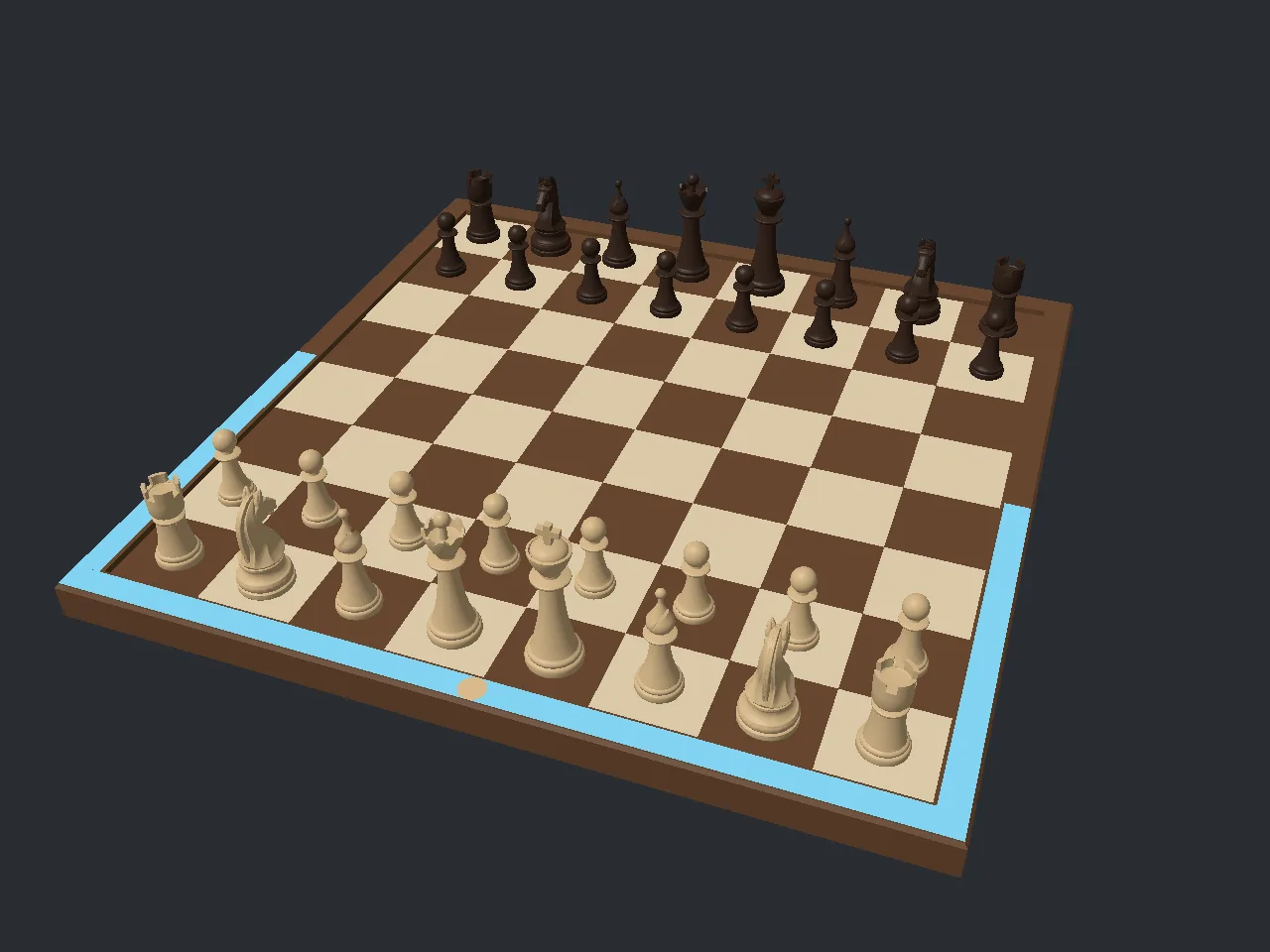
While the computer thinks, a pulsing blue strip lights its half of the board frame and the board ignores your clicks.